






Articles under WordPress Tutorials
- Wordpress on temporary URL How to Develop Your WordPress Site on a Temporary URL When migrating WordPress to Fast2host or building a new ...
- Update comment and ping status to closed How to Disable Comments and Pingbacks in WordPress Using SQL If your WordPress...
- Default Wordpress .htaccess Default WordPress .htaccess Rules Explained WordPress relies on a special set...
- How to set the Wordpress PHP memory limit How to Increase the PHP Memory Limit in WordPress (wp-config.php) If you are ...
- Password-protect your Wordpress wp-admin folder How to Password Protect Your WordPress Admin (wp-admin) Directory With...
- Sending email from Wordpress with SMTP Authentication. How to Send Email from WordPress Using SMTP Authentication By default,...
- How to update your WordPress installation How to Update Your WordPress Installation (cPanel & WordPress Toolkit) Keeping WordPress up to date is ...
- How to write a comment in WordPress How to Write and Manage Comments in WordPress WordPress includes a built-in commenting system that allows ...
- How to manage plugins in WordPress How to Manage Plugins in WordPress Plugins extend the functionality of WordPress by adding new features such...
- How to manage pages in WordPress How to Manage Pages in WordPress Pages are used for static content such as About Us, Contact, Services and...
- How to manage users in WordPress How to Manage Users in WordPress WordPress allows you to create and manage multiple user accounts, each with ...
- How to write a new post in WordPress How to Write a New Post in WordPress Posts are the main content type used for blog entries, news updates, ...
- How to manage categories in WordPress How to Manage Categories in WordPress Categories help organise your WordPress posts into broad topics,...

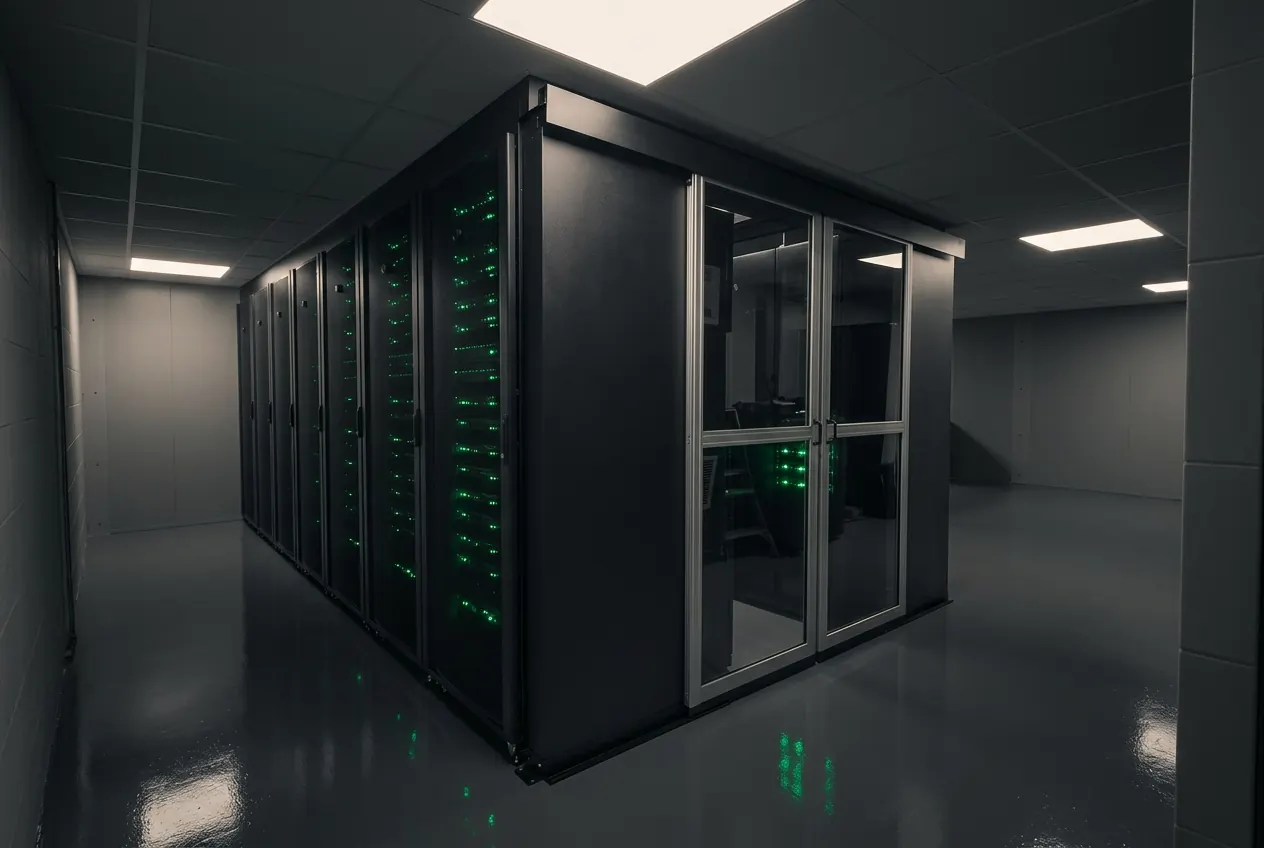
Cambridge Data Centre
Still need help?
Talk to a UK engineer — we'll help with hosting, servers, billing or migrations with no sales pressure.